
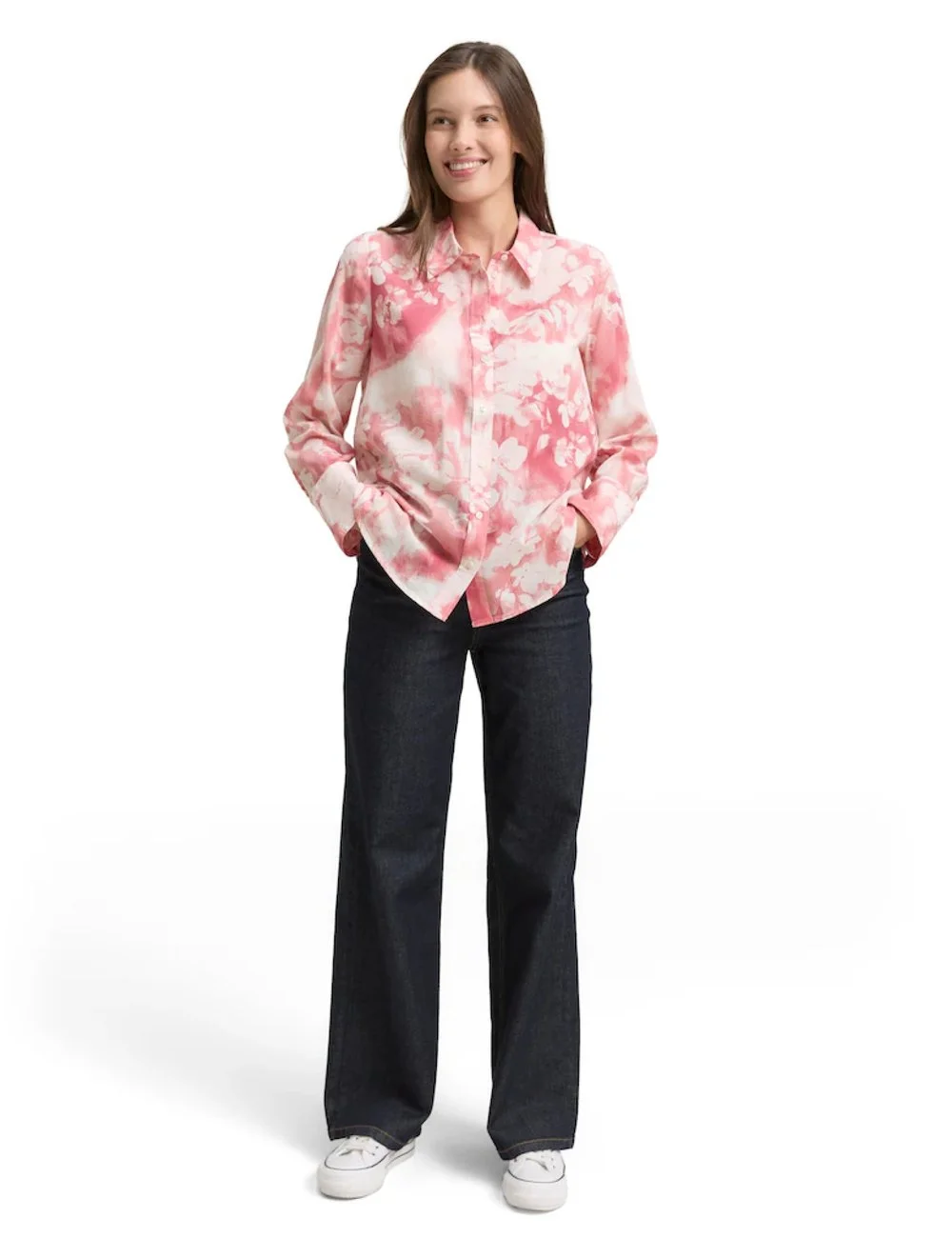
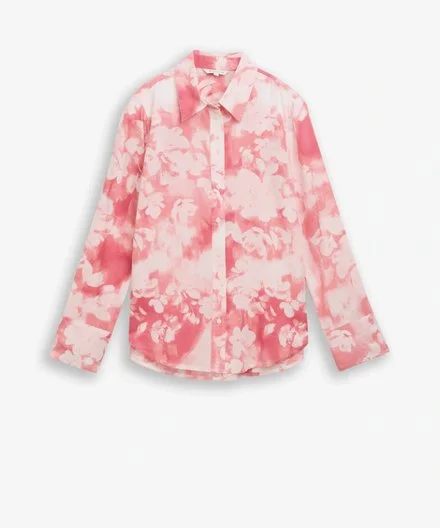
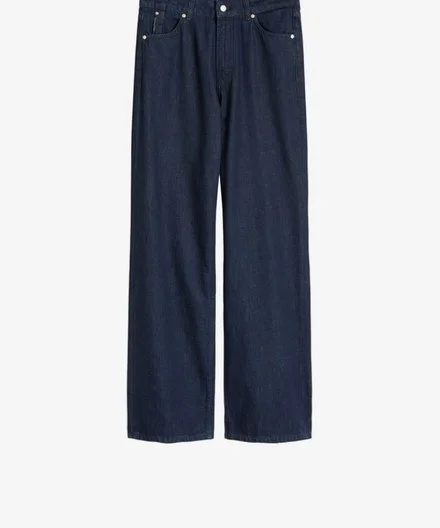
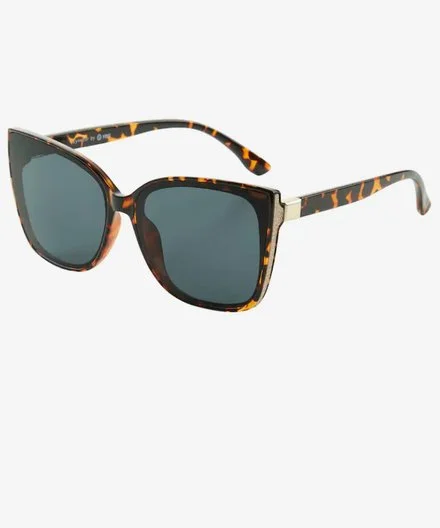
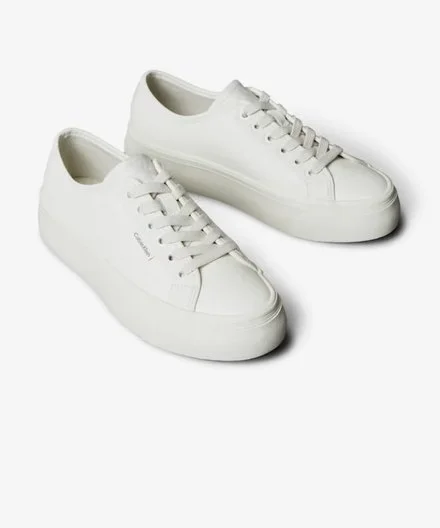
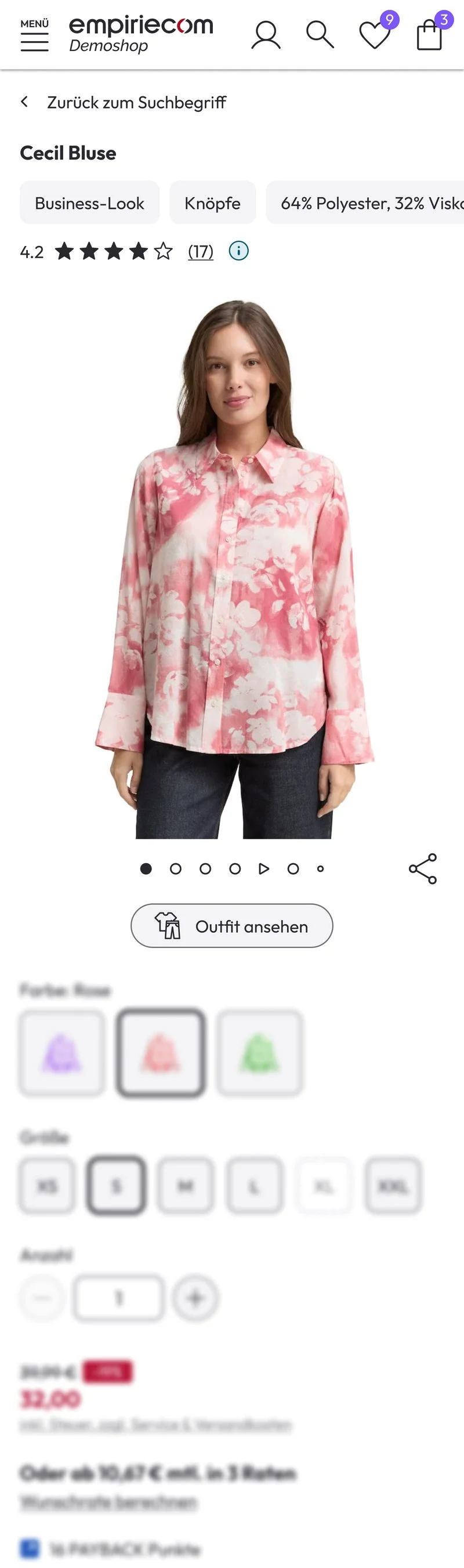
The look starts on the product page.
“View outfit” opens the complete outfit. Below it, “Complete the look” shows all items with their price.
New in the empiriecom commerce suite
One item. The whole look.
Outfit Studio shows every product as part of a complete outfit. Every item can be bought with one click.
The idea
Customers are looking for a style – in the shop they mostly find single products. Outfit Studio brings the whole look to the product page and turns inspiration into a shopping basket.
Outfit Studio was created in close exchange with our customers. What we learned in research has gone into every stage.
In the shop
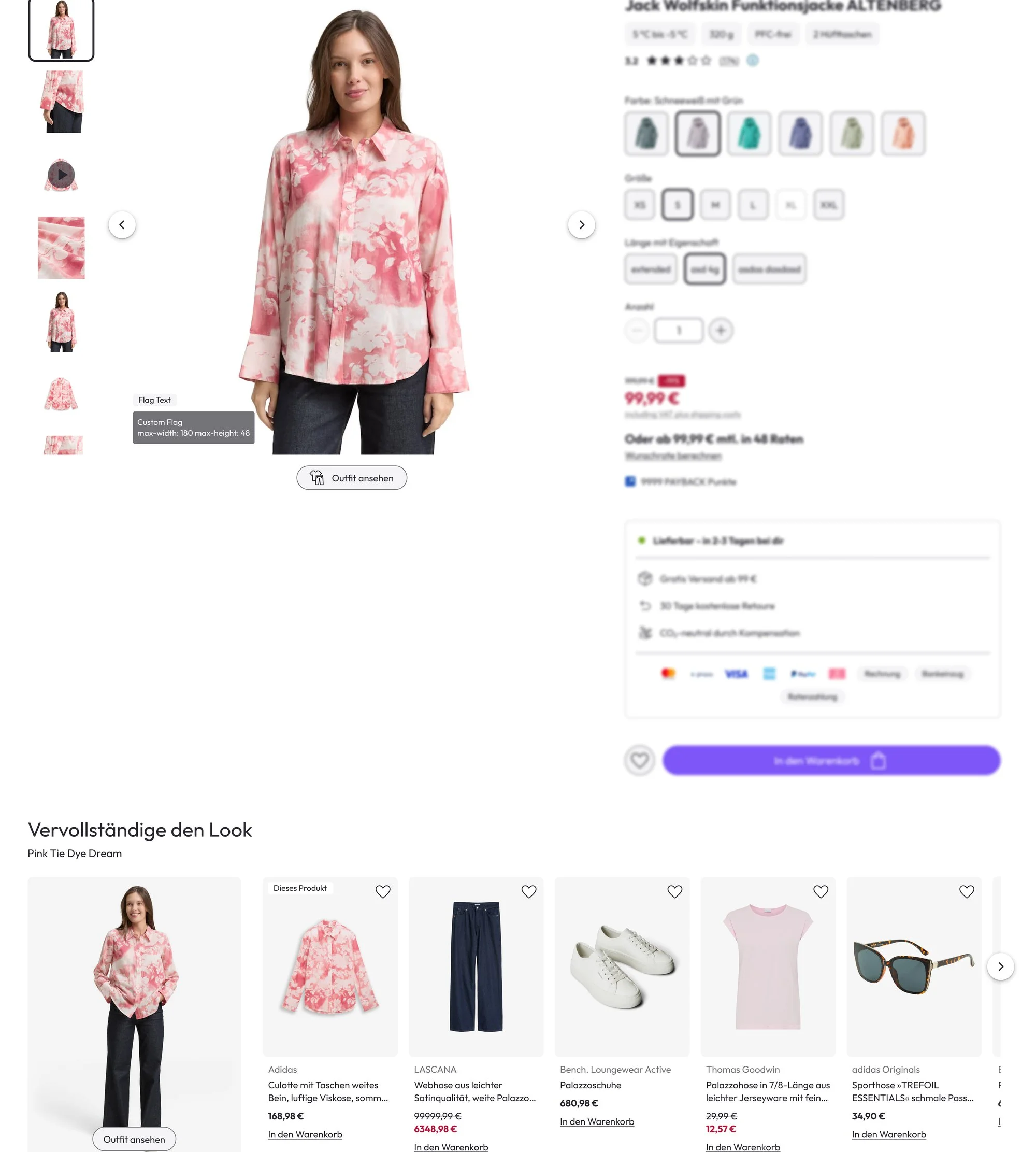
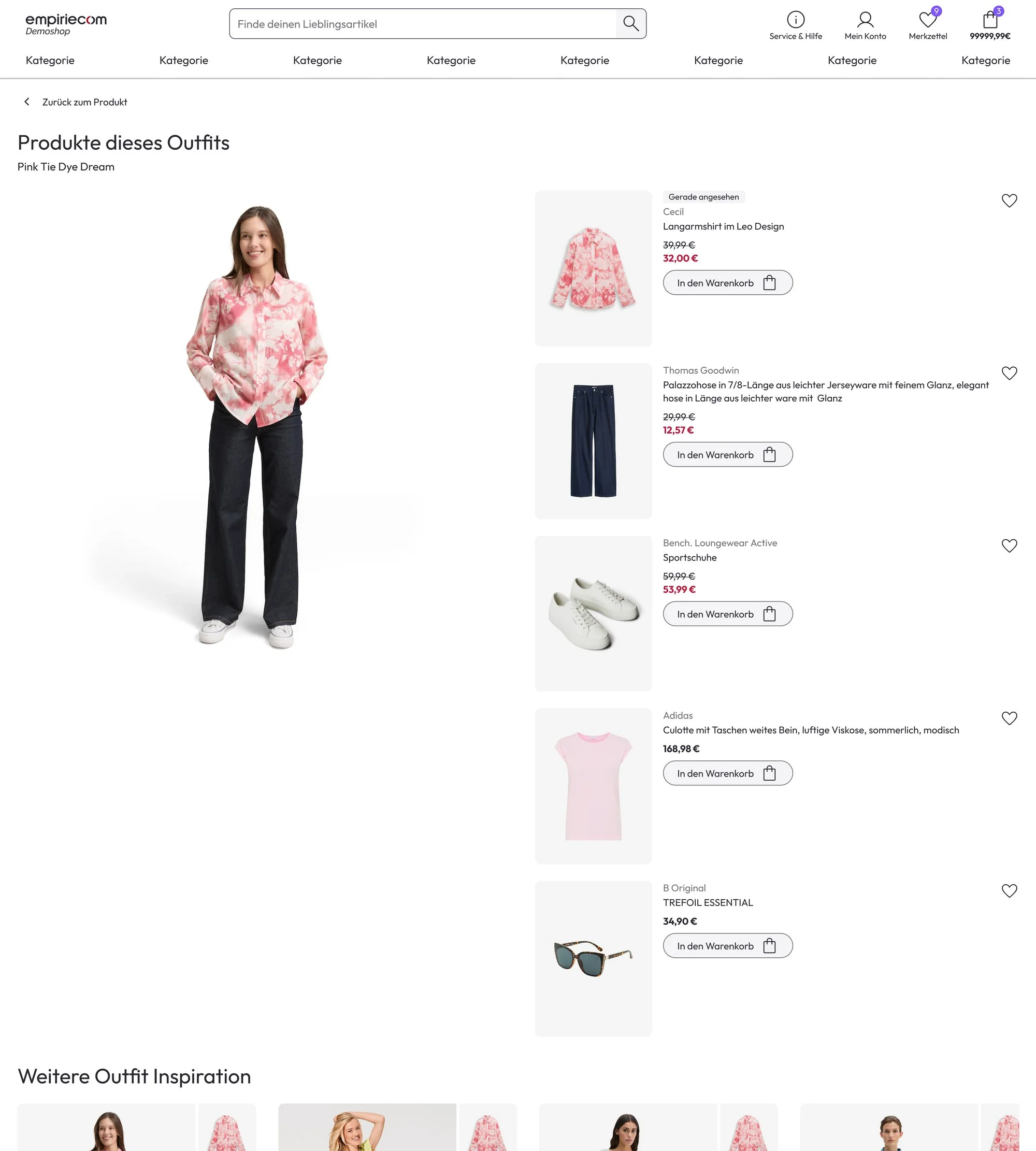
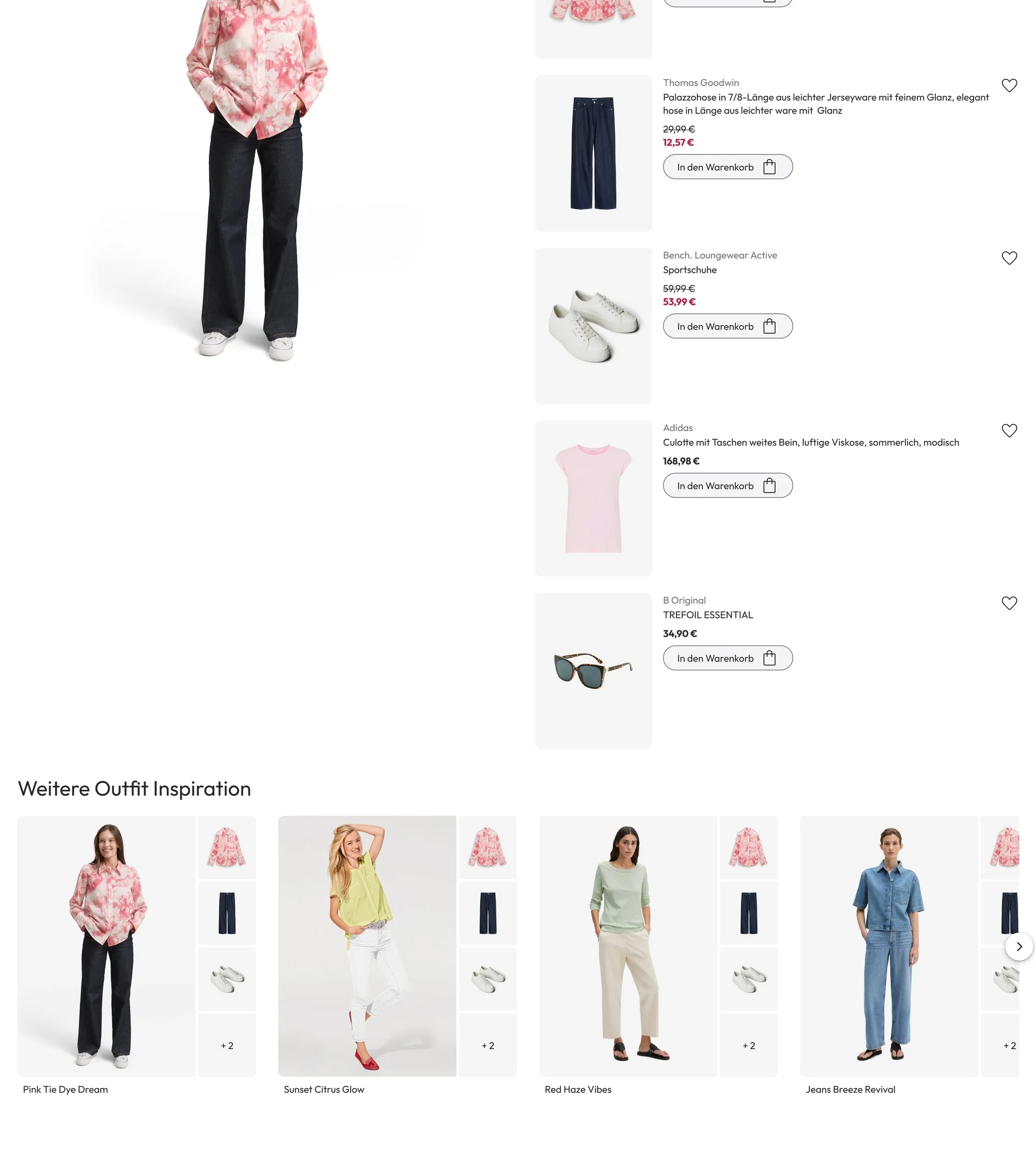
Demo shop · Sample data
“View outfit” opens the complete outfit. Below it, “Complete the look” shows all items with their price.
Each item can be added to the basket or saved on its own. Every outfit has its own URL.
Each tile shows the look image and up to four products, further items as “+ X”.
On the desktop it opens as a dialog, on the smartphone as a bottom sheet. Sold-out sizes cannot be selected.
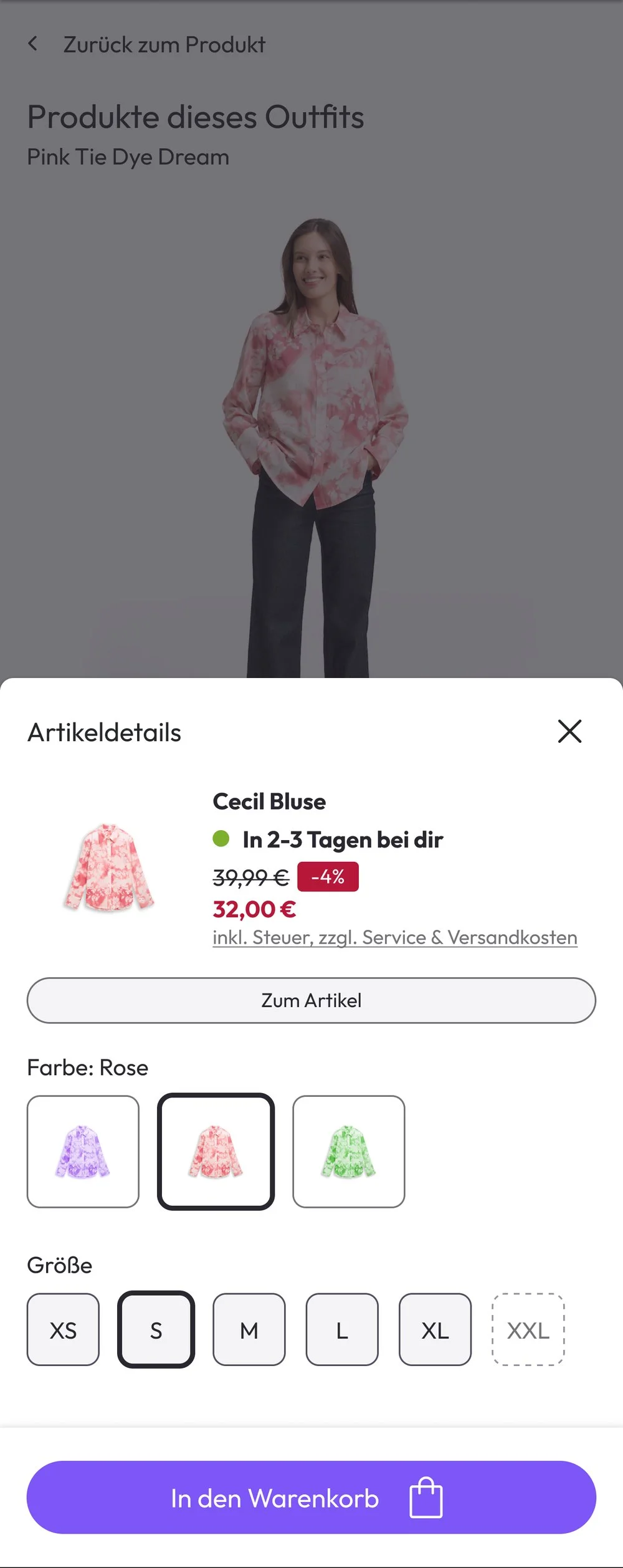
Designs from Zeplin · Demo shop · Sample data
In the Config Center
For every item, the system suggests matching articles from your range. One click checks whether everything is in stock.
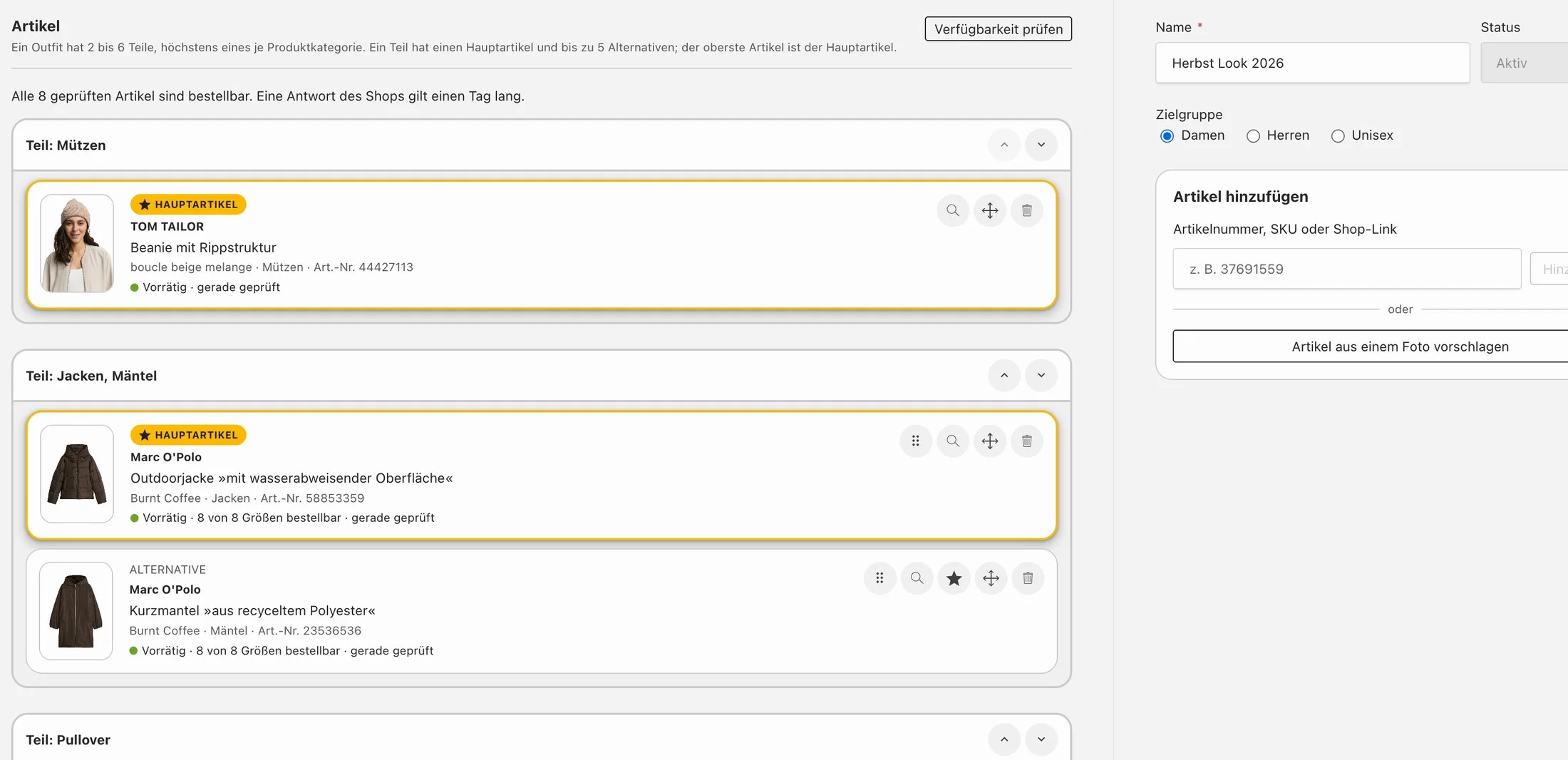
The item shown in the look image.
Up to five replacement articles per item.
By article number, link from the shop or photo.
Queries the stock of all articles in the shop.
Enter an article number or shop link and arrange the items by drag & drop. The top article is the main item.
Upload a look photo. The AI recognises the items and suggests similar articles from your range.
For the initial stock: rows with the same combo ID, i.e. the same outfit identifier, become one outfit. Every article number is checked against the product data, and an import report comes at the end.
AI looks
A persona is an AI model with a defined appearance, such as age, hair colour and body type. The AI suggests several variants, one is approved as the reference. From then on, every look shows the same persona with all items of the outfit.
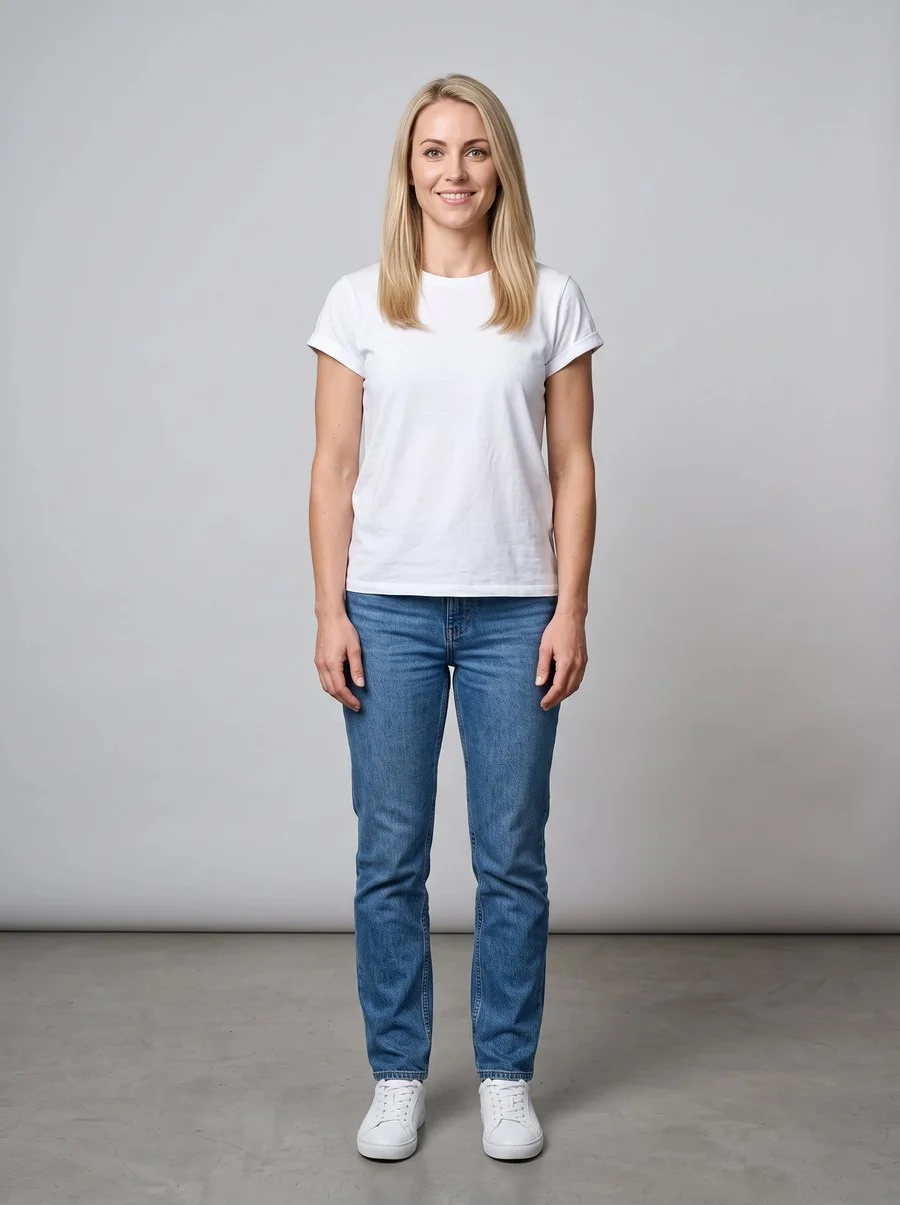
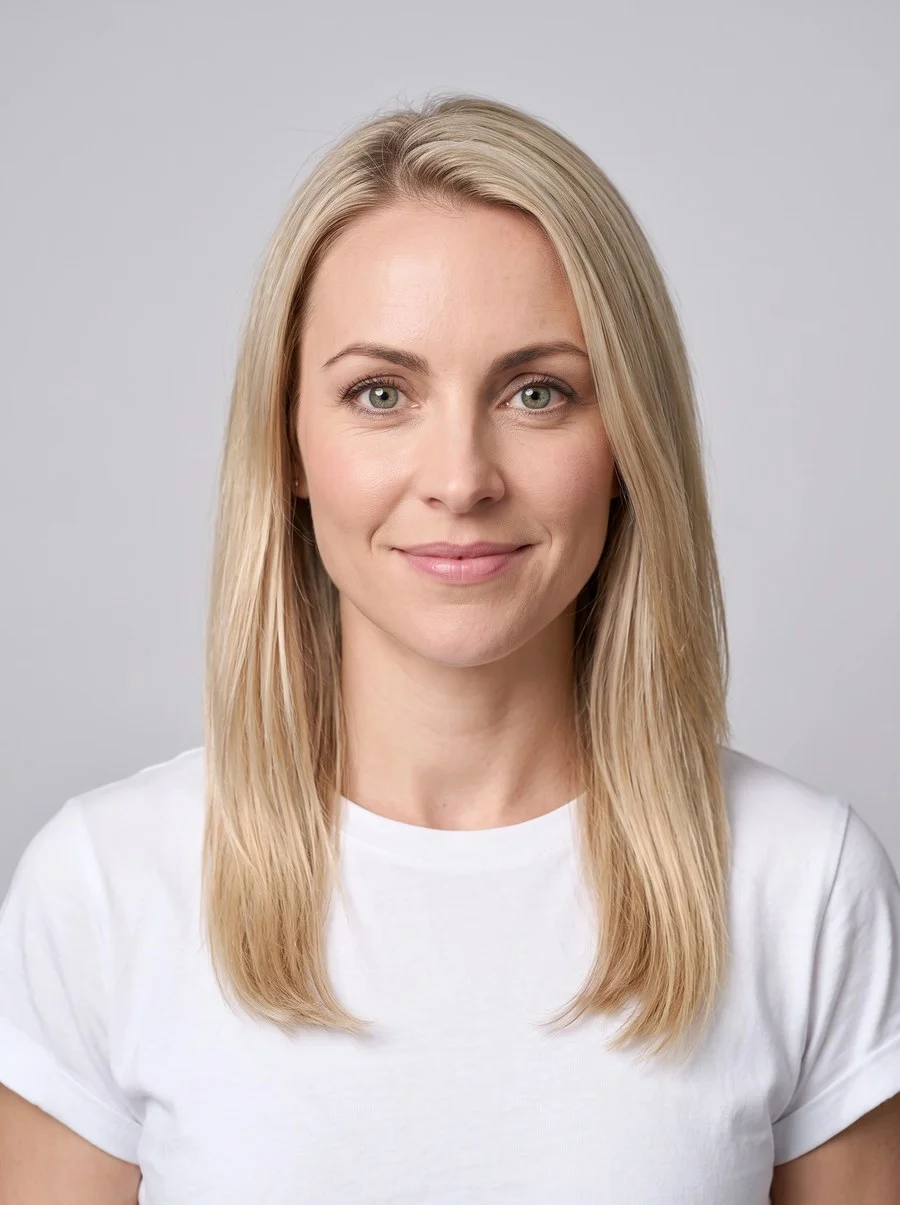
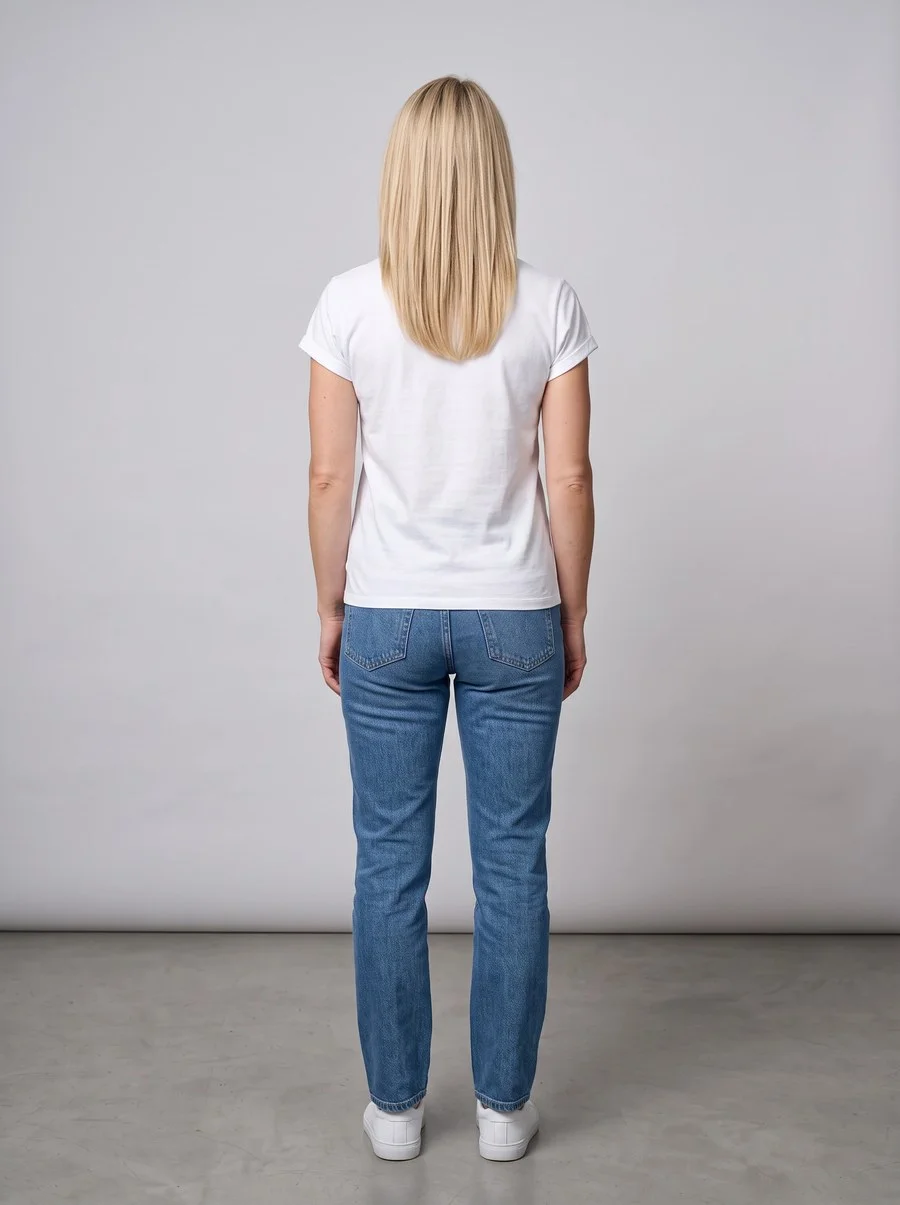
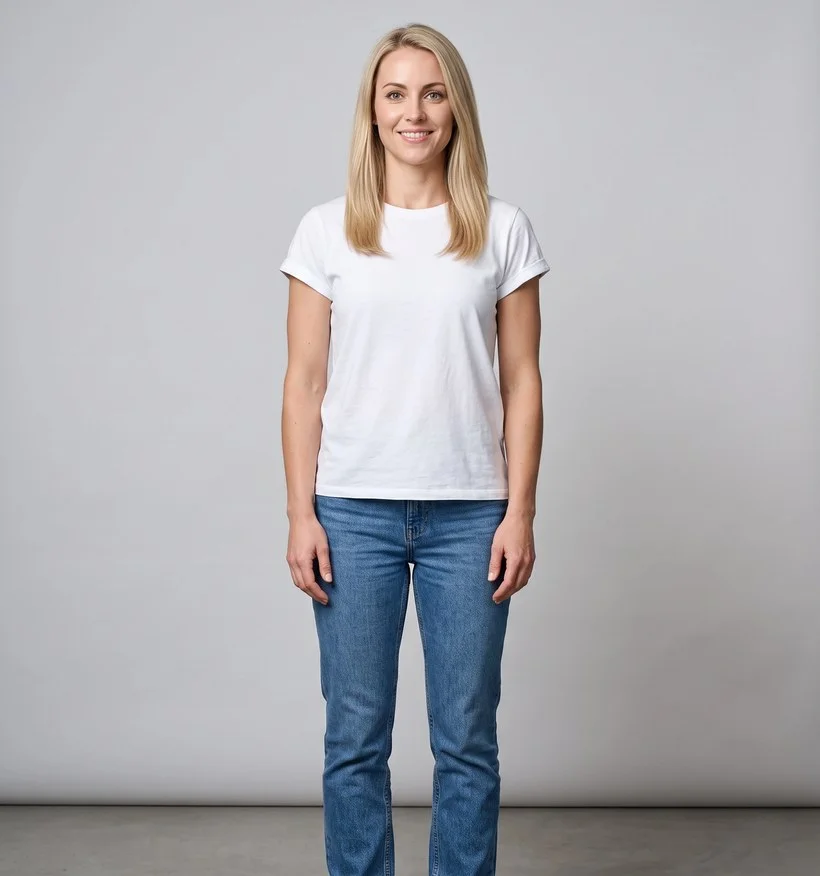
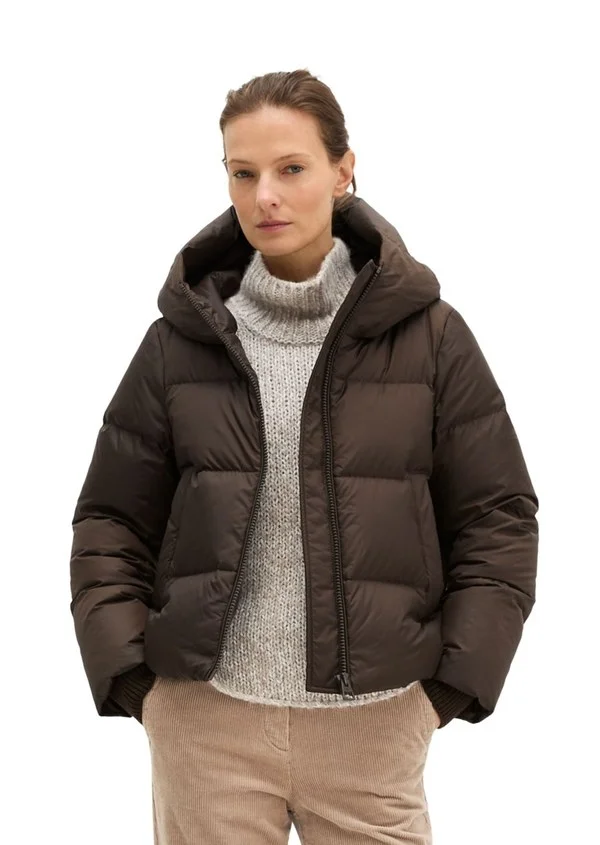
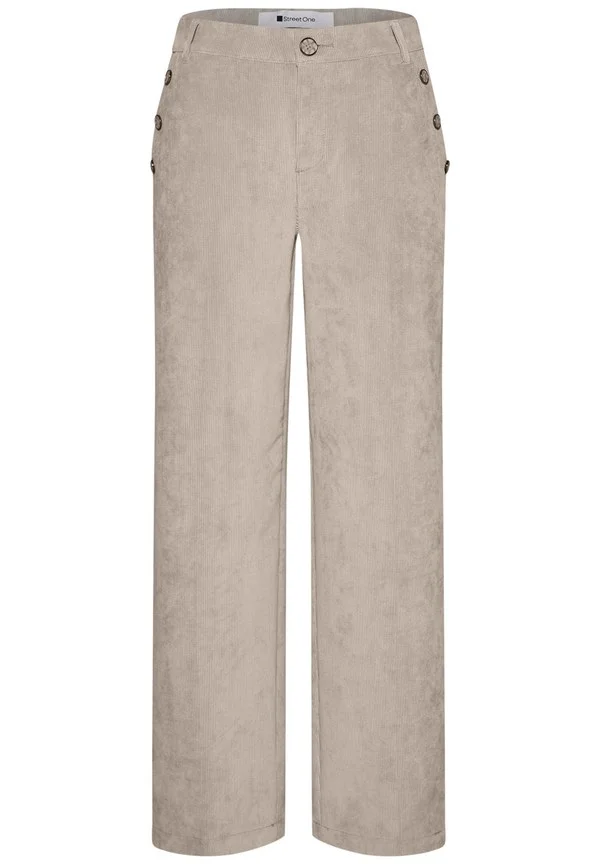
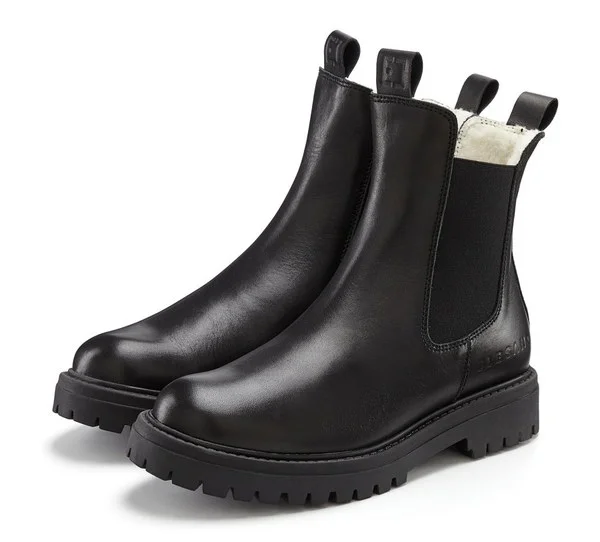
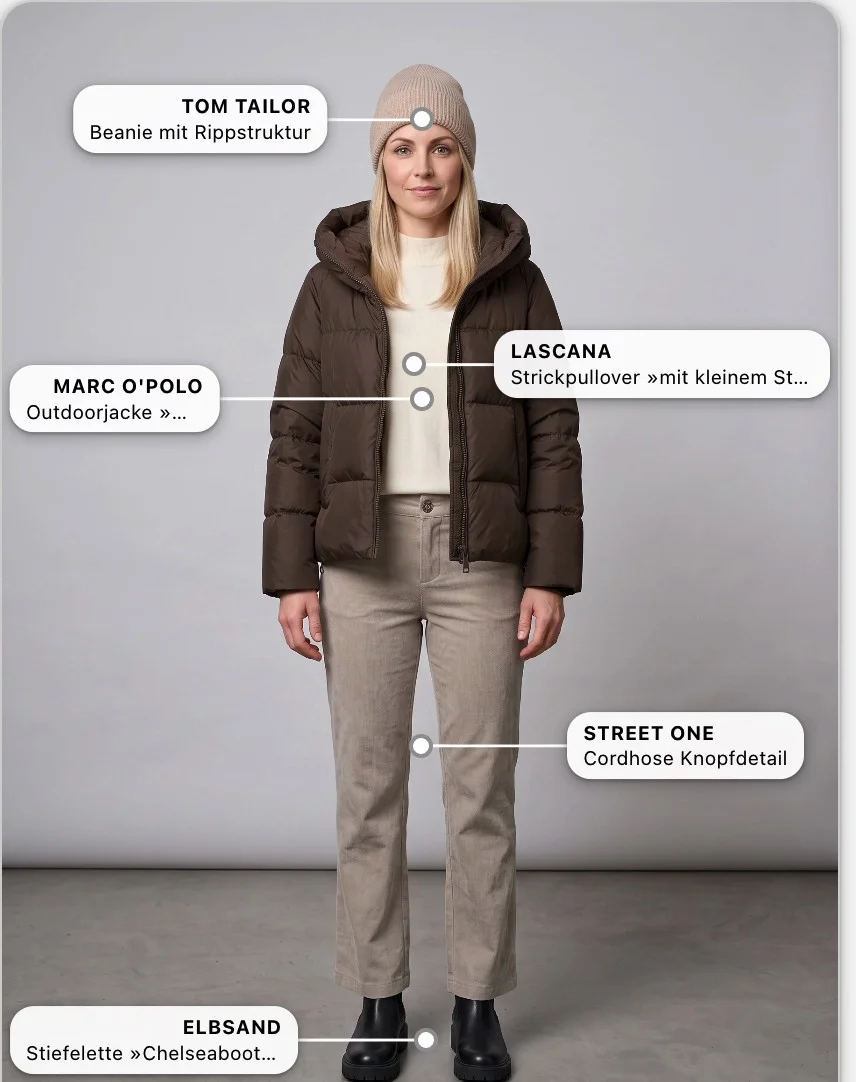
Config Center · Persona and look AI-generated
Scenes
A scene shows persona and outfit in a new place. Your team describes the place in one sentence or provides a mood photo as a template. The articles stay marked in the image, and the format fits the channel: 3:4, 4:5, 1:1 or 9:16.
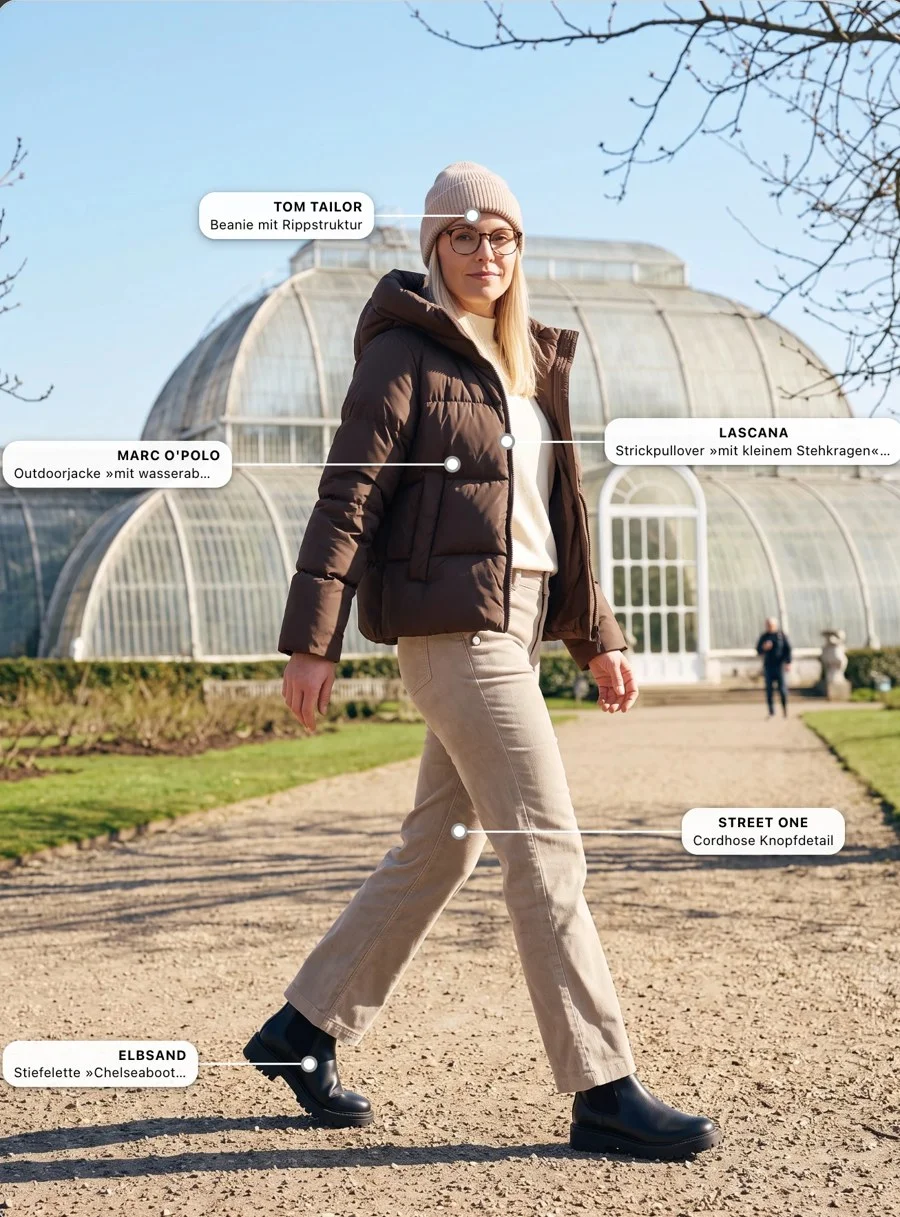
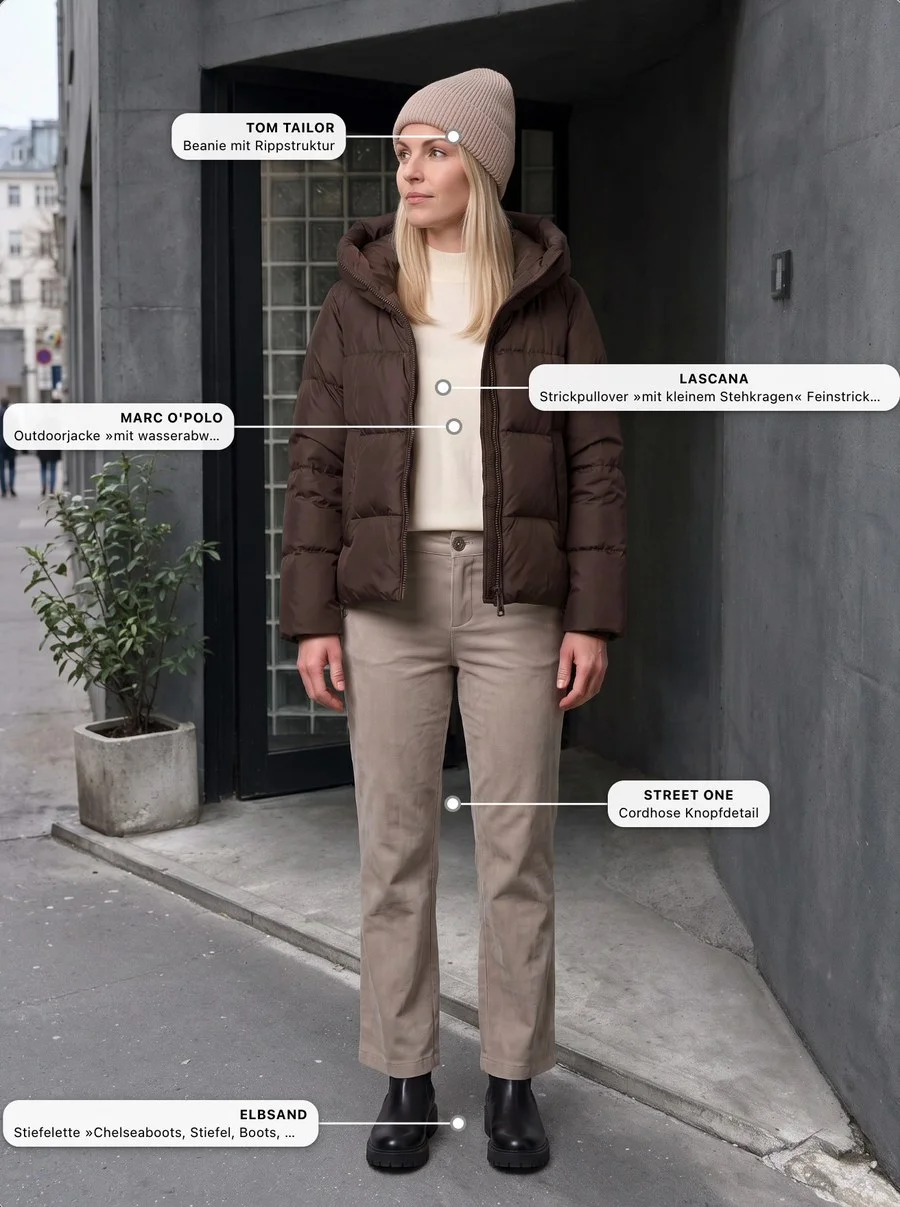
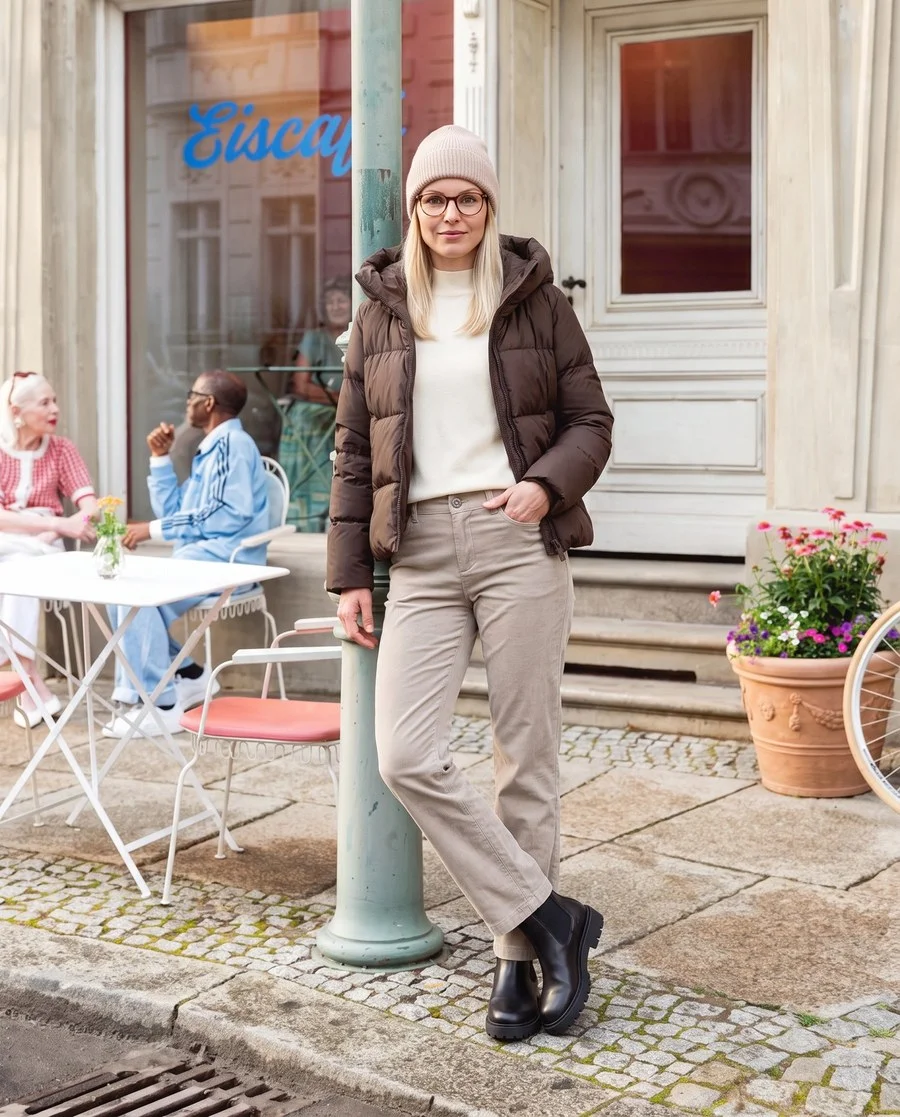
Examples with demo data · People and scenes AI-generated
Trust
If a main item is sold out, an alternative takes over and is marked in the shop. If everything is sold out, the outfit can be hidden. Stock is cached and synchronised regularly.
Every article that reaches the basket via an outfit carries the outfit origin in its order line. This makes Outfit Studio visible in tracking and reporting.
Personas, looks and scenes are AI-generated and are only used after your team has approved them. Realistic-looking AI images must be recognisable as such under the EU AI Act and are labelled accordingly.
Overview
Choose colour and size without leaving the look.
Every product in the outfit can be saved.
Up to five replacement articles per item.
One outfit, many looks, each look with its own scenes.
In the order line for tracking and reporting.
Organise outfits by season, occasion or style.
Descriptions for generated scenes.
The outfit principle for furniture and home.
Questions
Outfit Studio is part of the empiriecom commerce suite. It is maintained in the Config Center and delivered via components on the product page and outfit page.
Create an outfit, accept suggestions, choose a persona, approve. For large stocks there is the CSV import.
After approval, articles and packshots are fixed so that look and shop match. For a different selection, you duplicate the outfit.
The item shown in the look image. For each main item you can add up to five alternatives.
Stock is cached and synchronised regularly, and on request with one click in the Config Center. This keeps the load low, especially with many changes in a fashion range.
empiriecom Outfit Studio
We show you Outfit Studio live and discuss how it fits into your shop.